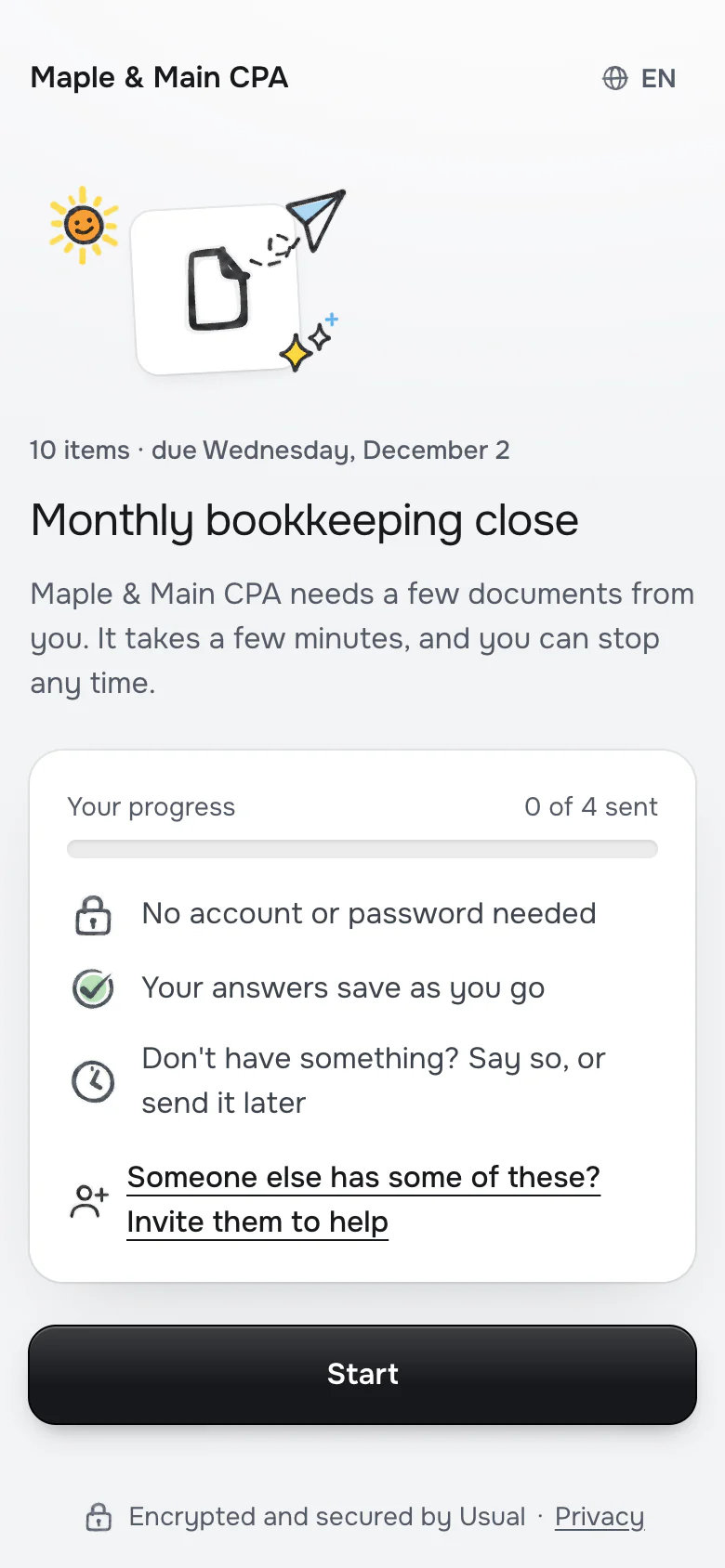
Clients pay your invoice in the request link
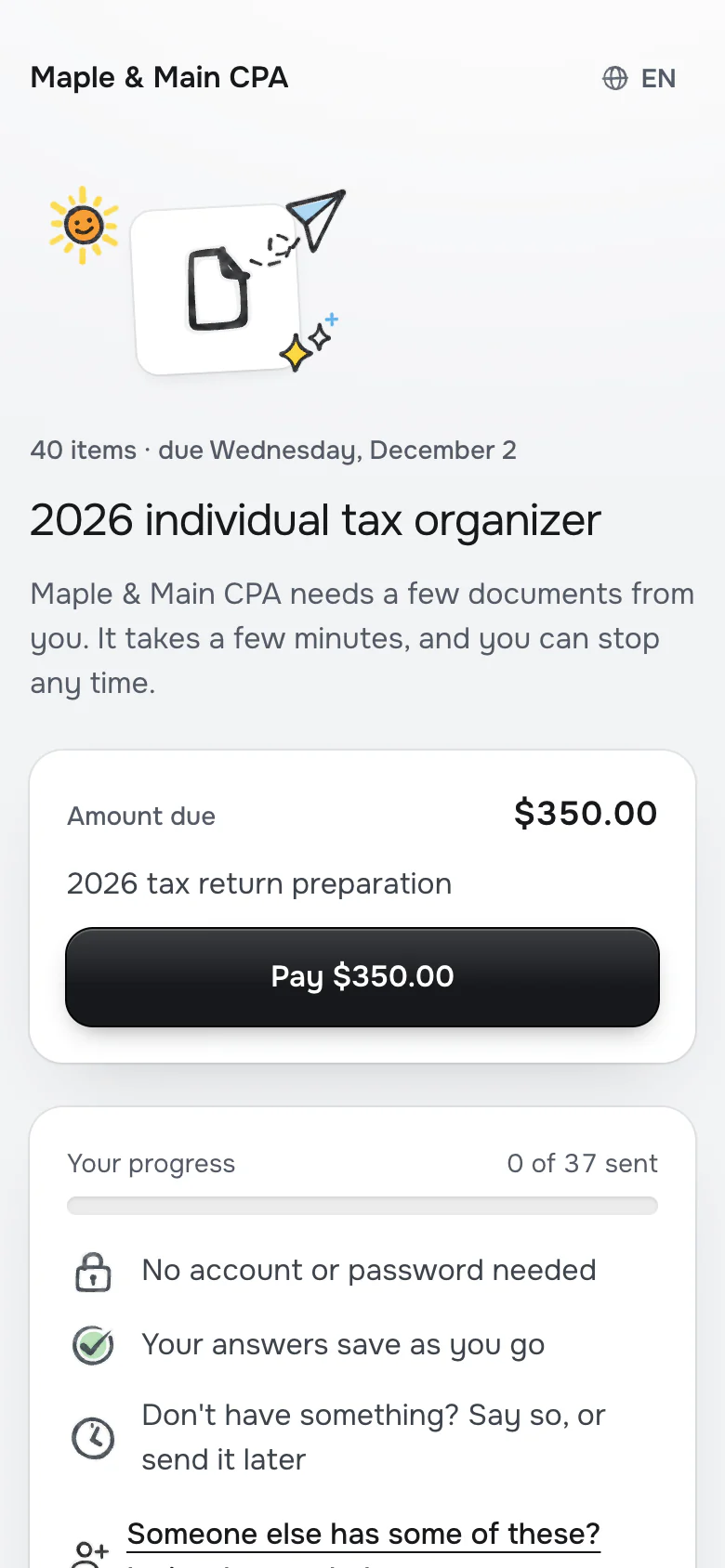
Put an invoice on a request and the client pays it in the same no-login link, by card or bank. The money goes straight to your own Stripe account.
- 1The fee and what it's for
- 2Card or bank, no login
Changelog
New features and fixes, as they ship. Most weeks bring something you can use with your clients the same day.
Put an invoice on a request and the client pays it in the same no-login link, by card or bank. The money goes straight to your own Stripe account.
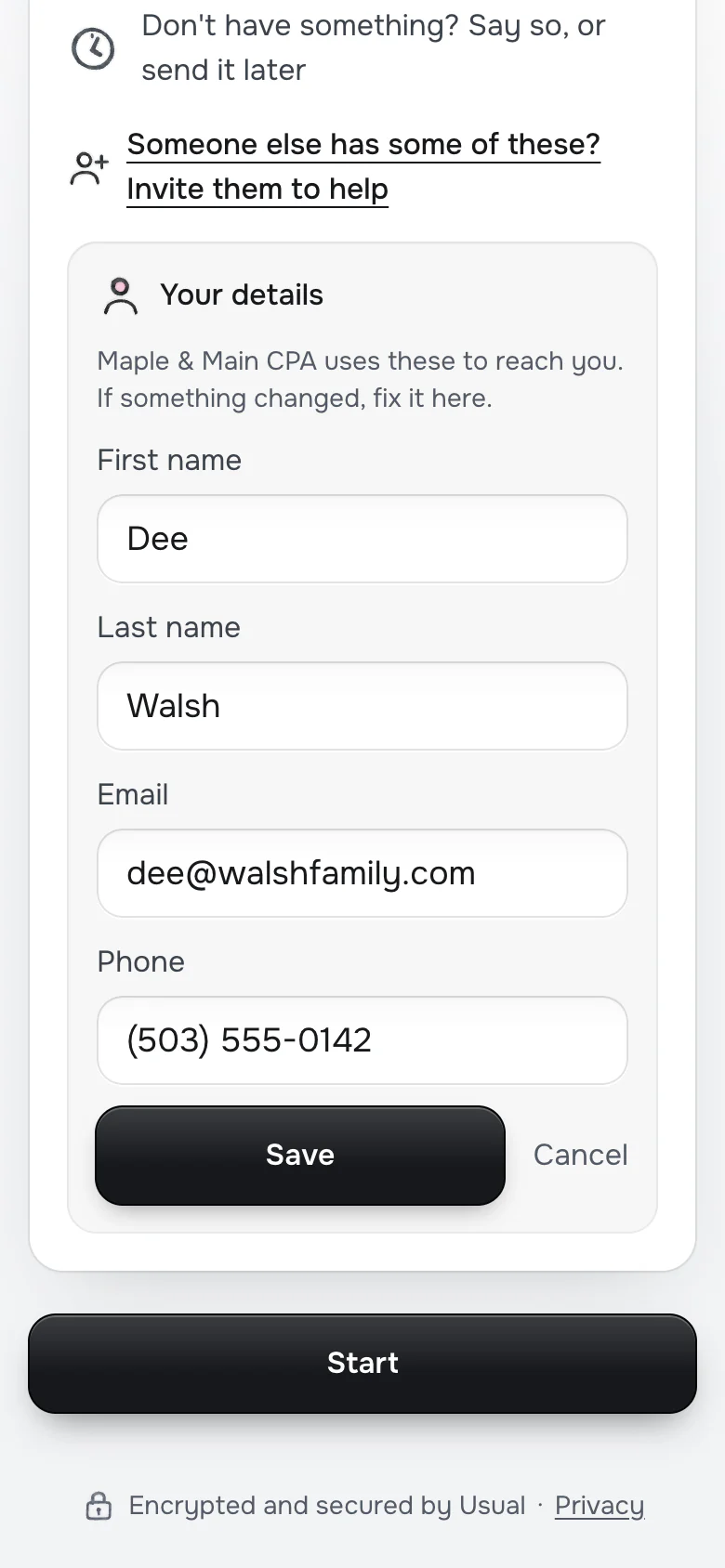
In the request link, a client can fix their name, phone and email. A new email is confirmed with a code, and the old address gets a notice.
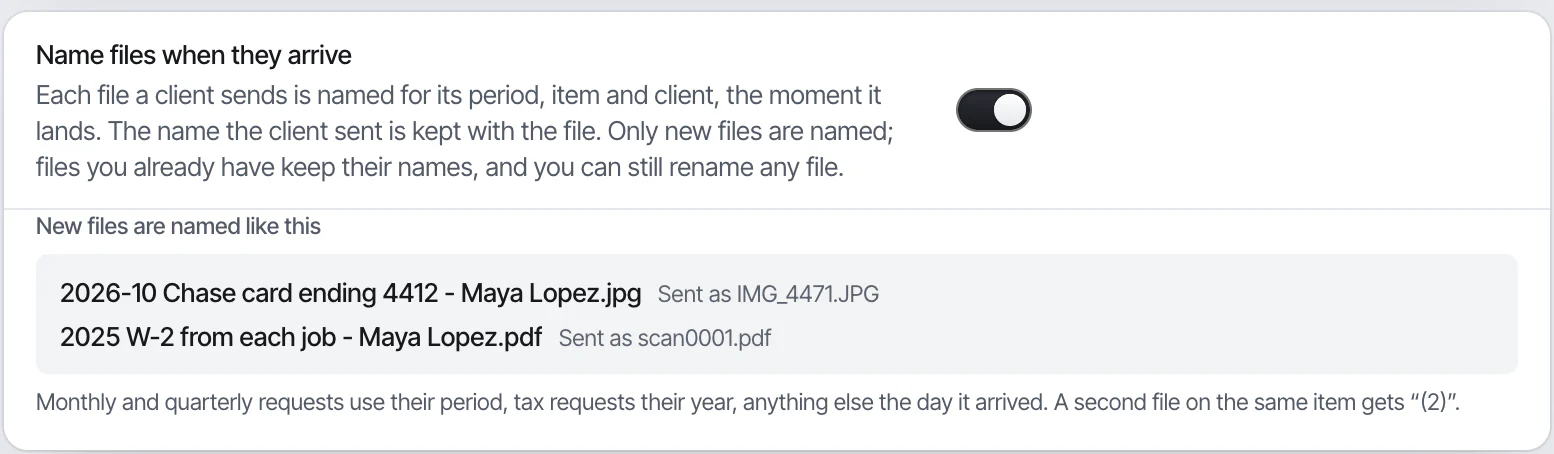
A client's file lands with a name that says what it is: the period, the item and the client. No more opening statement (3).pdf to find out.
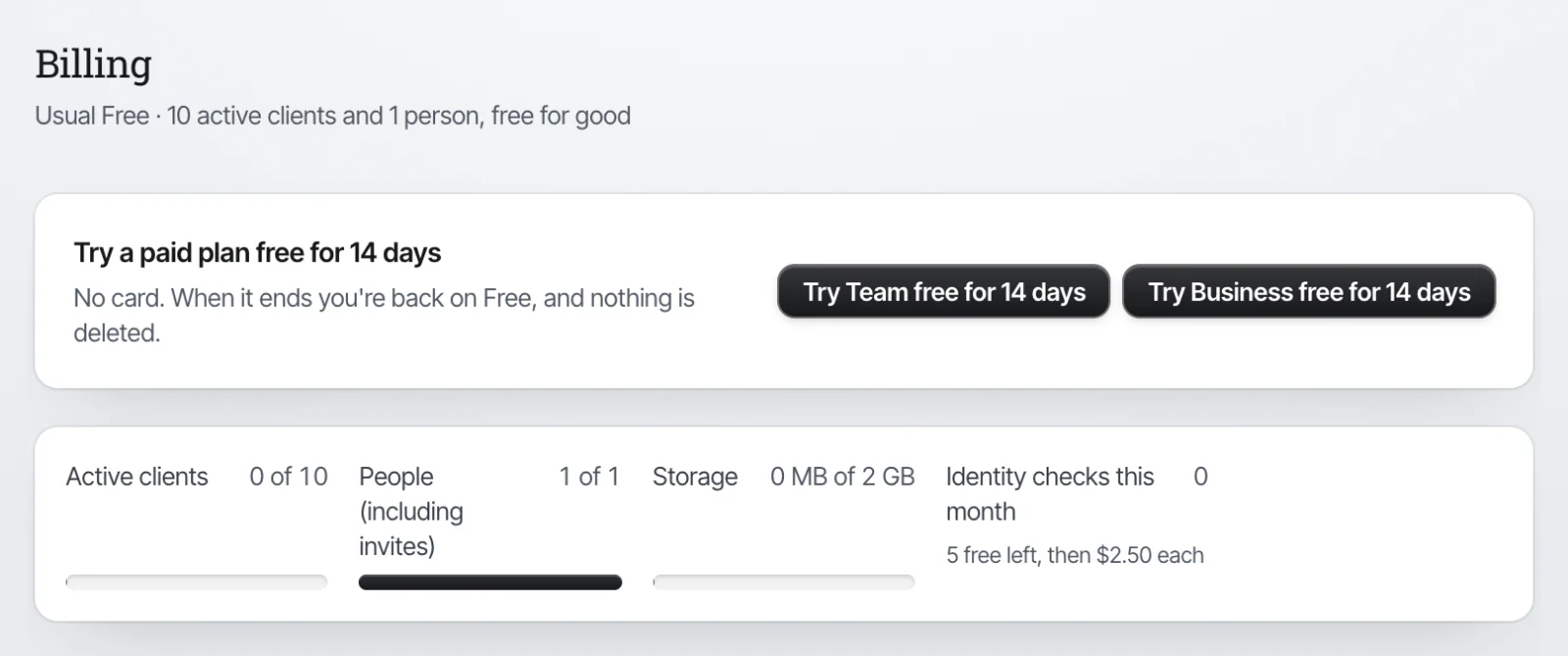
Every new account starts on Free, with no card. When you want a paid feature, try Team or Business free for 14 days. When it ends, you're back on Free.
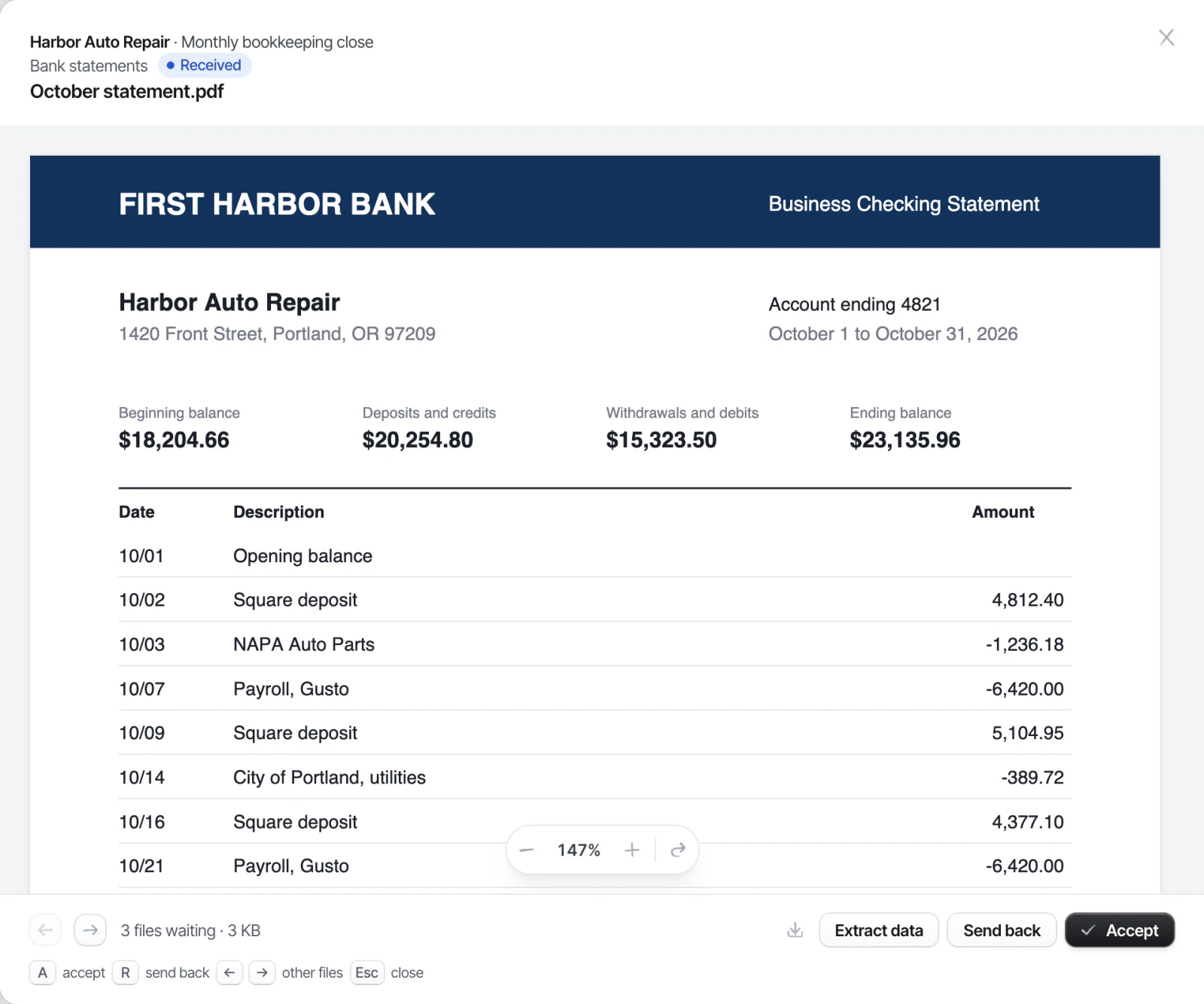
One button opens the oldest file waiting for you and walks through every file across every client, so you can clear the day's review in one sitting.
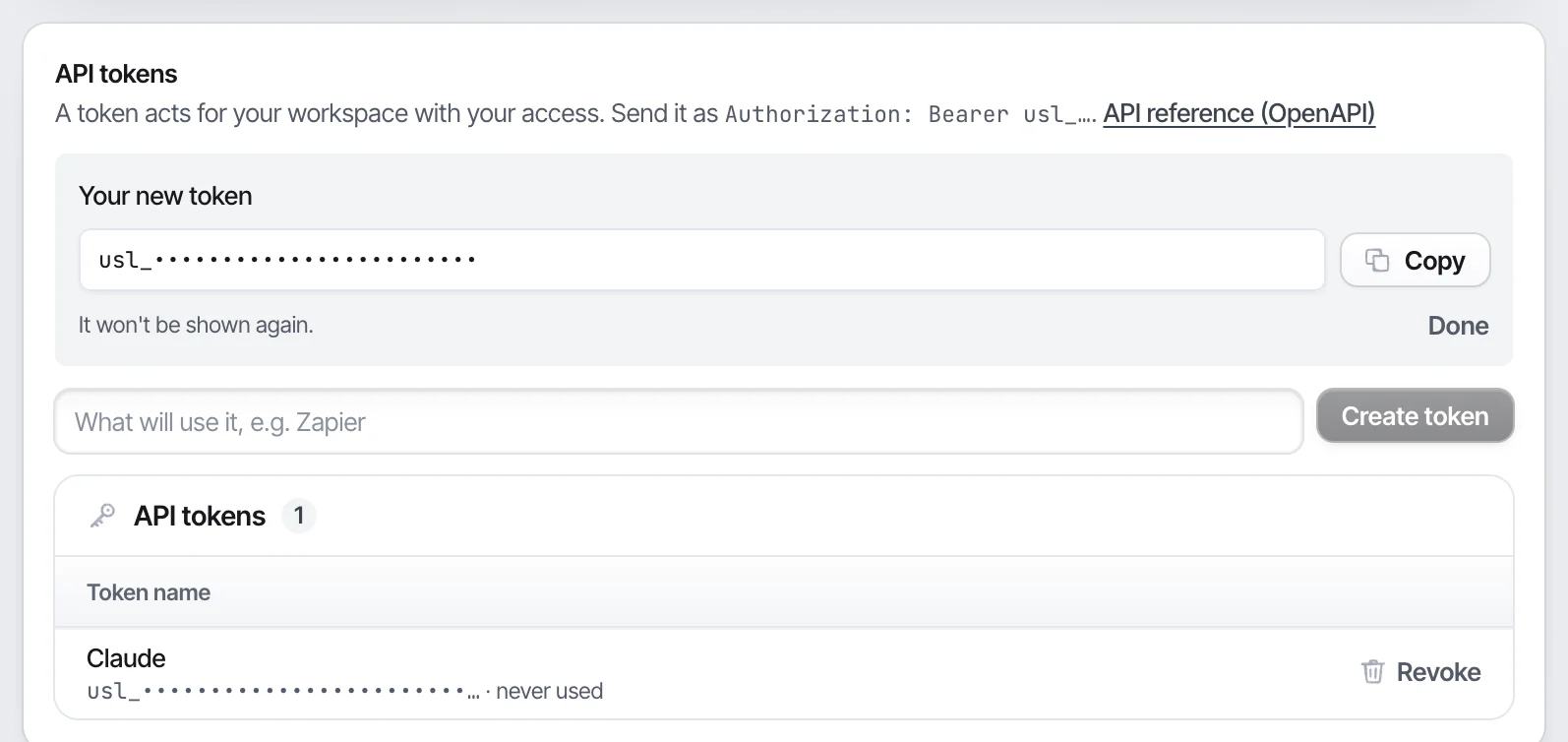
Connect an AI assistant to Usual with a personal token. Ask which clients still owe documents, add a client or send a checklist without opening the app.
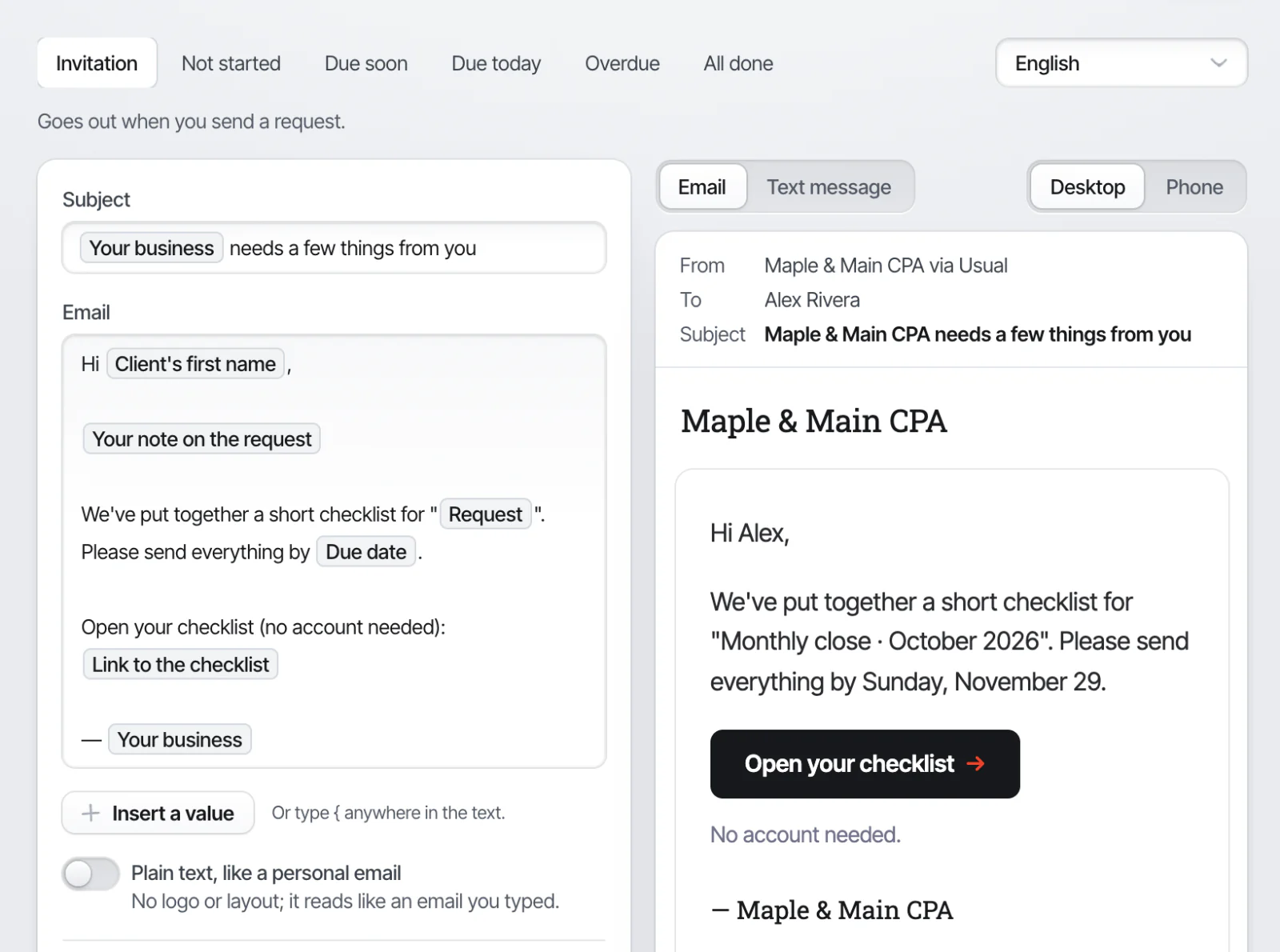
Change the wording of every email Usual sends your clients, and see the real email beside it as you type, at desktop or phone width.
Some answers are quicker to show than to write. An upload item can let the client record a video or a voice note right in the page, on a phone or a computer.
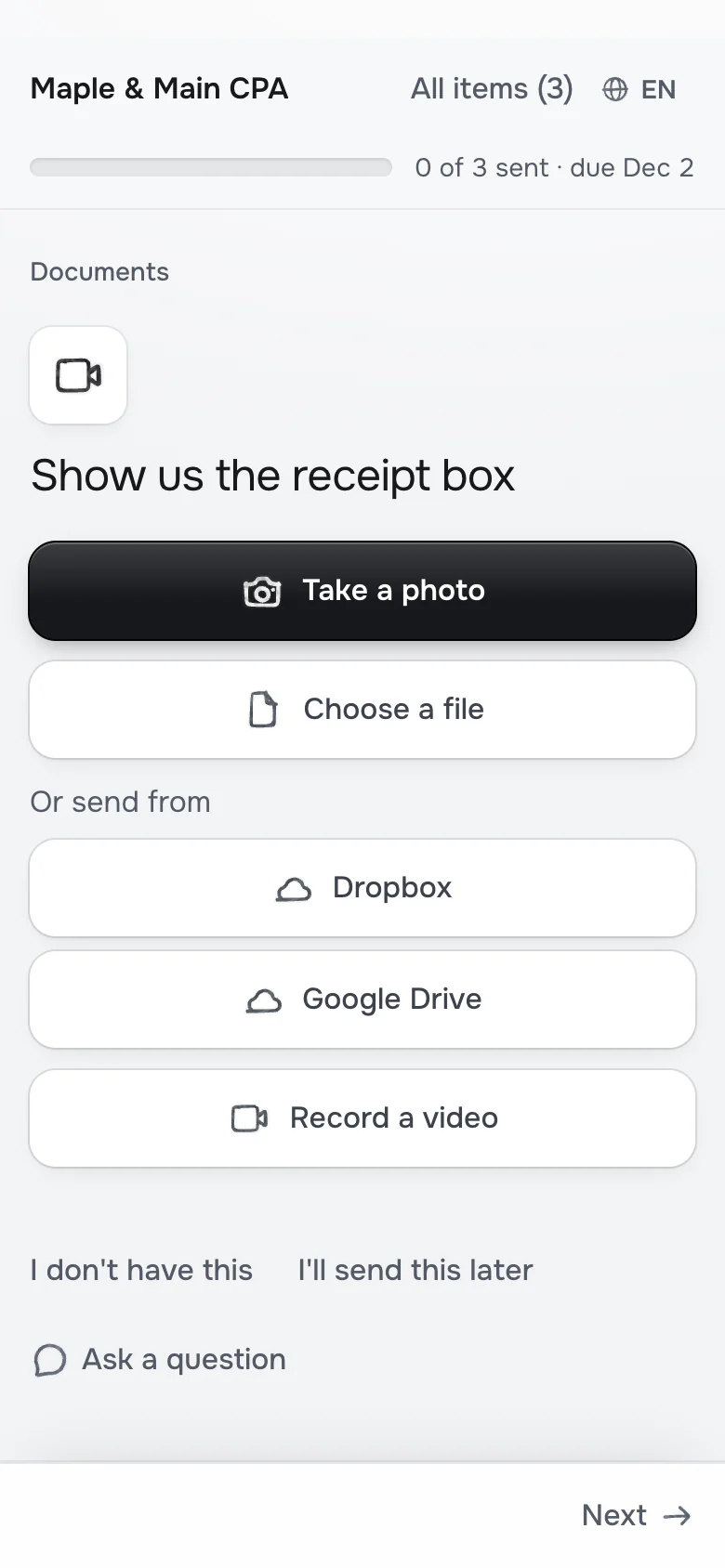
Clients who keep their statements in Dropbox or Google Drive pick them there. No downloading to their phone first, no shared folder for you to dig through.
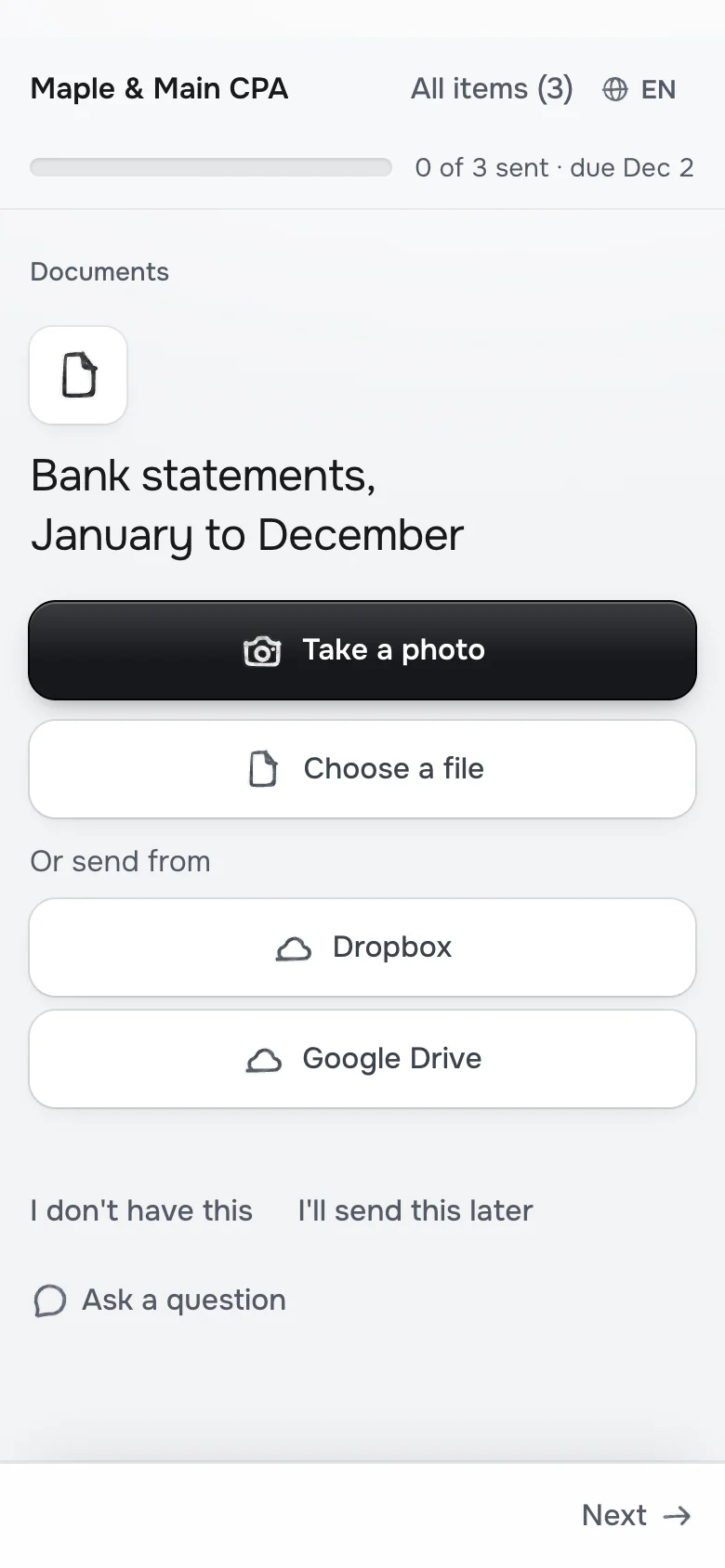
Usual reads a statement or a payroll report and lays out its values and tables, ready to paste into a spreadsheet or download as CSV.
Usual now has a Free plan for up to 10 active clients, with every checklist, reminders and replies by email. Solo, Team and Business sit above it.
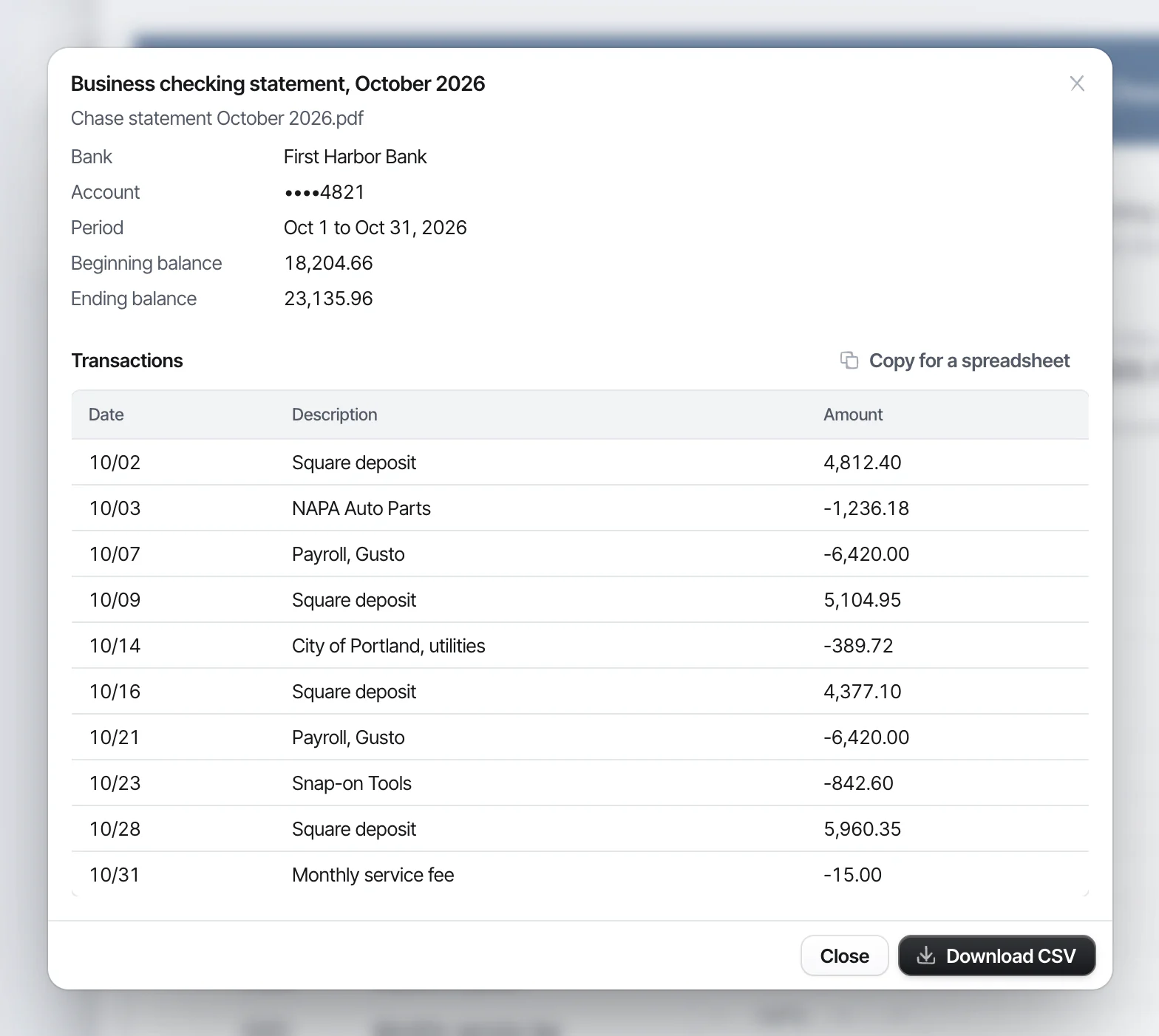
Read more: A Free plan, and three paid plans with clear limitsA documented API, signed webhooks and Zapier (by invitation). Add clients and send checklists from your own systems, and hear when a request changes.
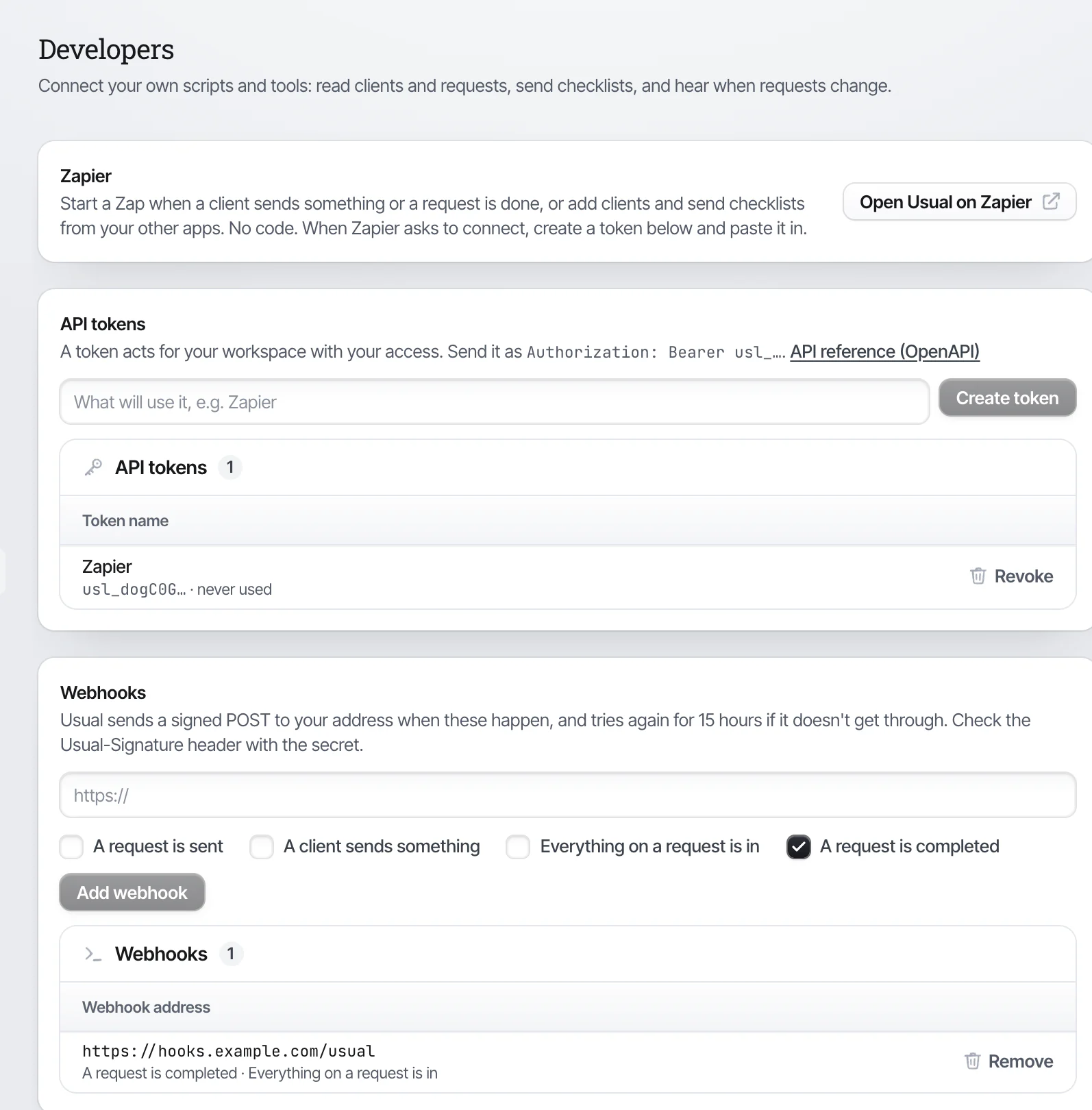
Mark an item end-to-end encrypted and the client's browser encrypts each file before it leaves their device. Only your team can open it. Usual never has the key.
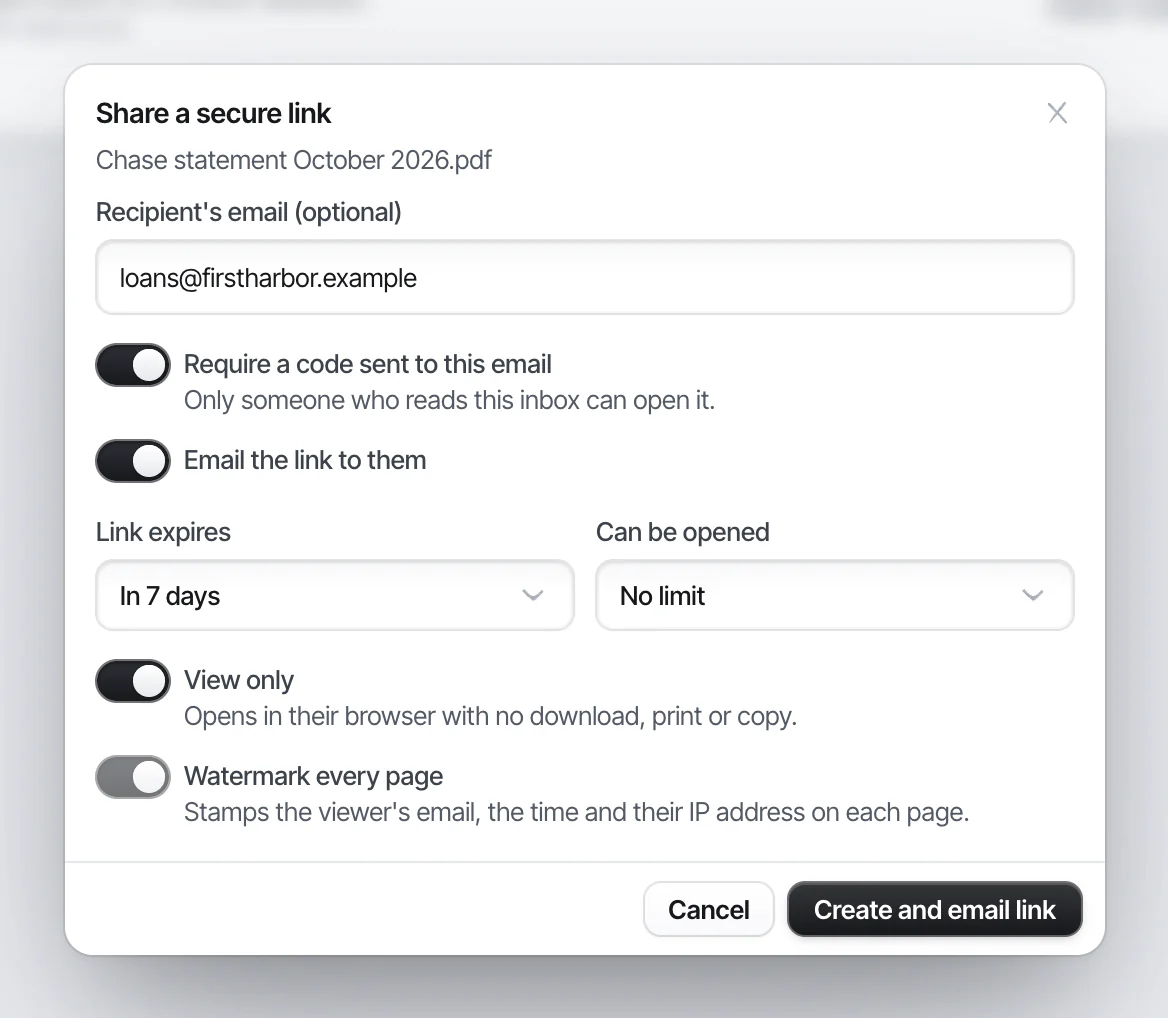
When a lender or an attorney needs one of your client's files, send a link instead of an attachment. You decide how long it works, how often it opens and whether it downloads.
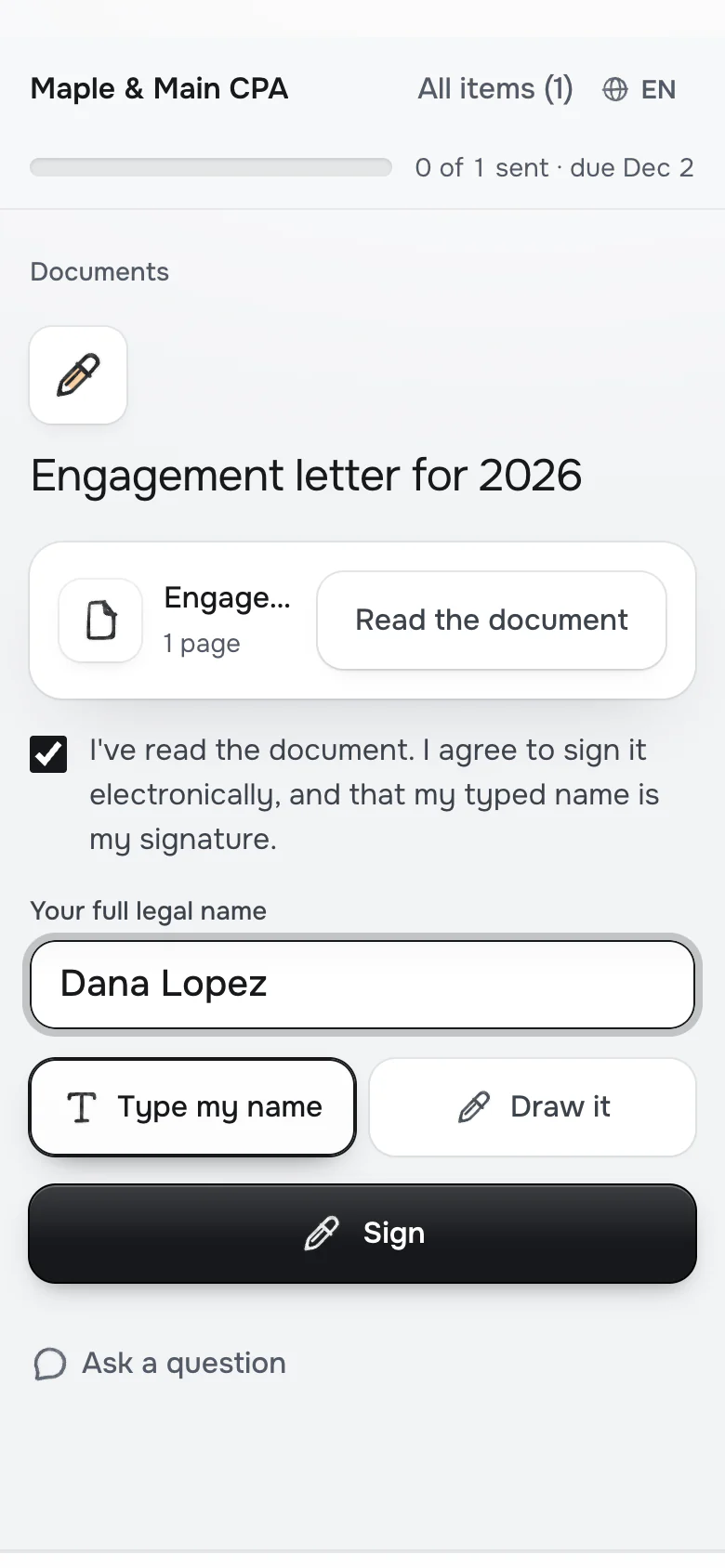
Add an engagement letter or contract as a PDF on the request. The client reads it, signs by typing or drawing, and you keep the signed copy with its certificate page.
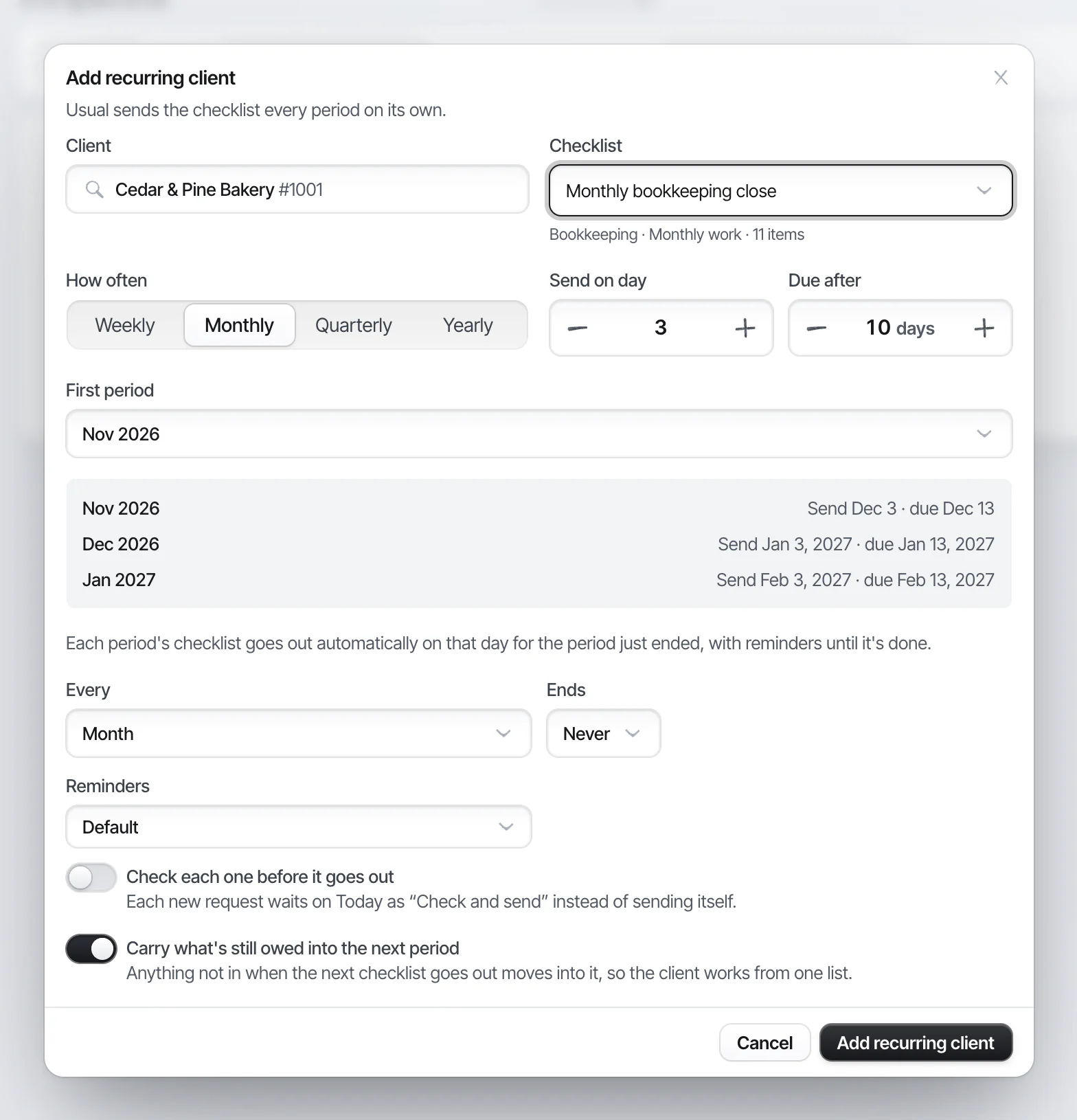
Set a client up once and Usual sends the checklist every period on its own, with reminders until it's done. Anything still owed moves into the next period.
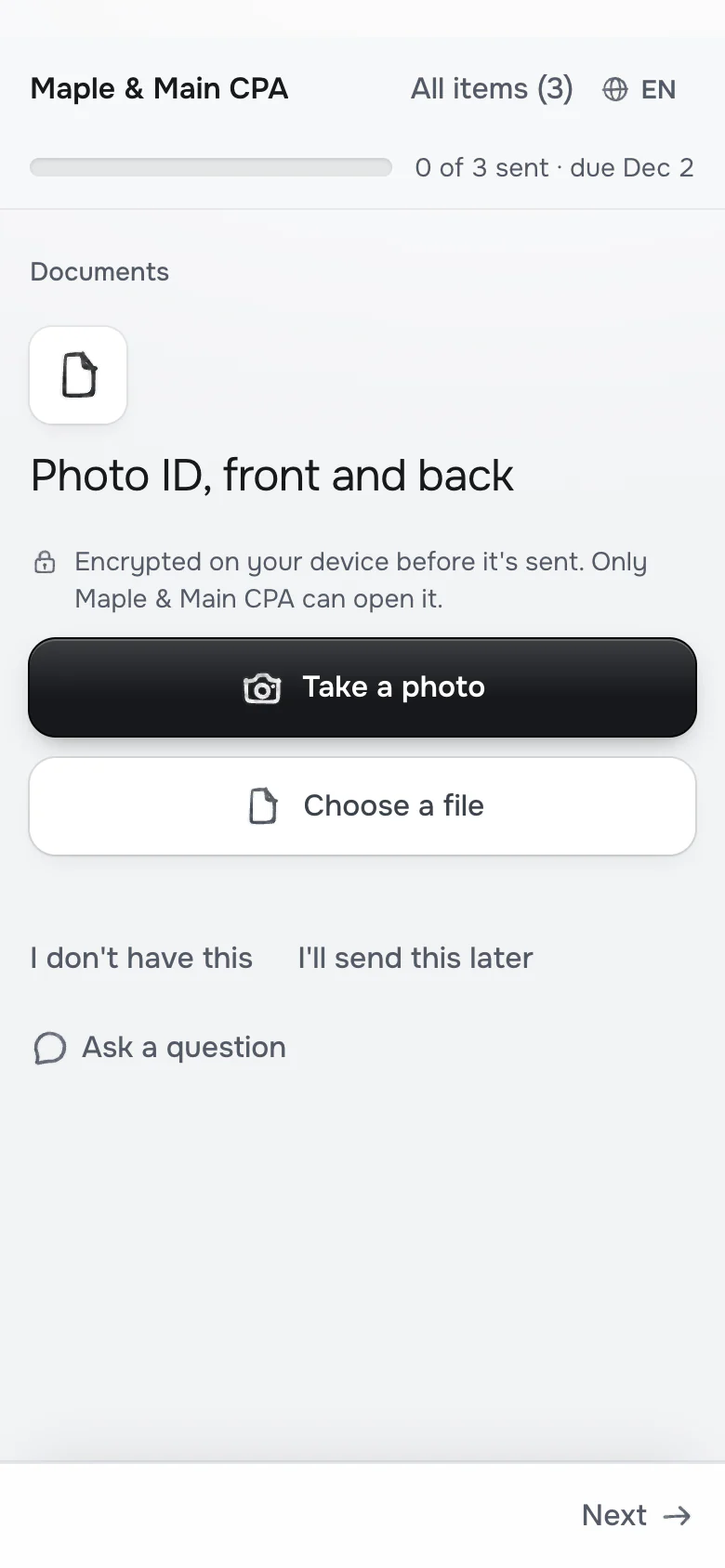
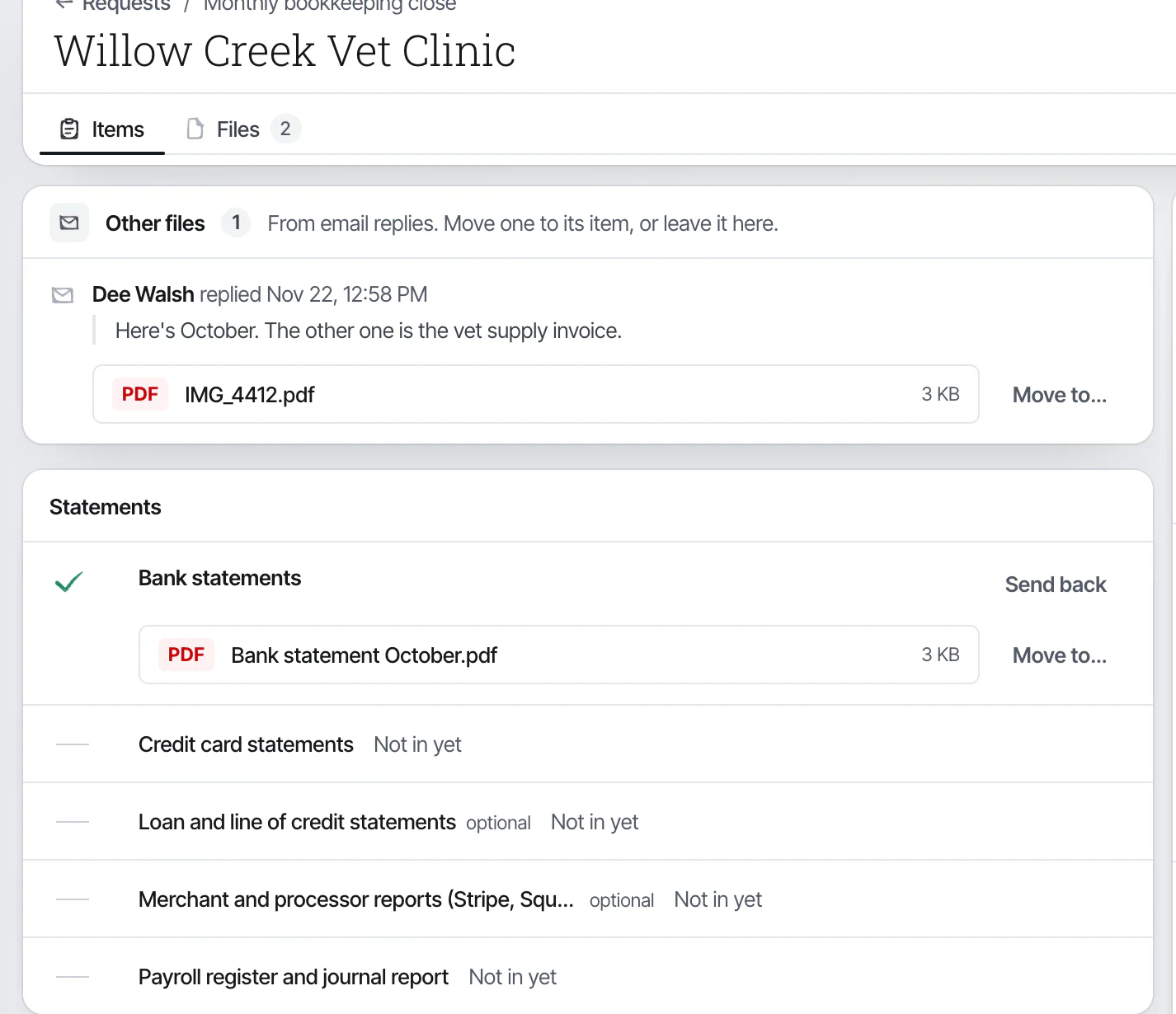
Some clients will never open a link. Now they don't have to: every email Usual sends a client can be answered with the files attached, and the files land on the request.
Usual collects documents from your clients for you. Send a checklist, and your client opens it from email with no login and no app. Usual follows up until everything is in.