End-to-end encrypted uploads
Mark an item end-to-end encrypted and the client's browser encrypts each file before it leaves their device. Only your team can open it. Usual never has the key.
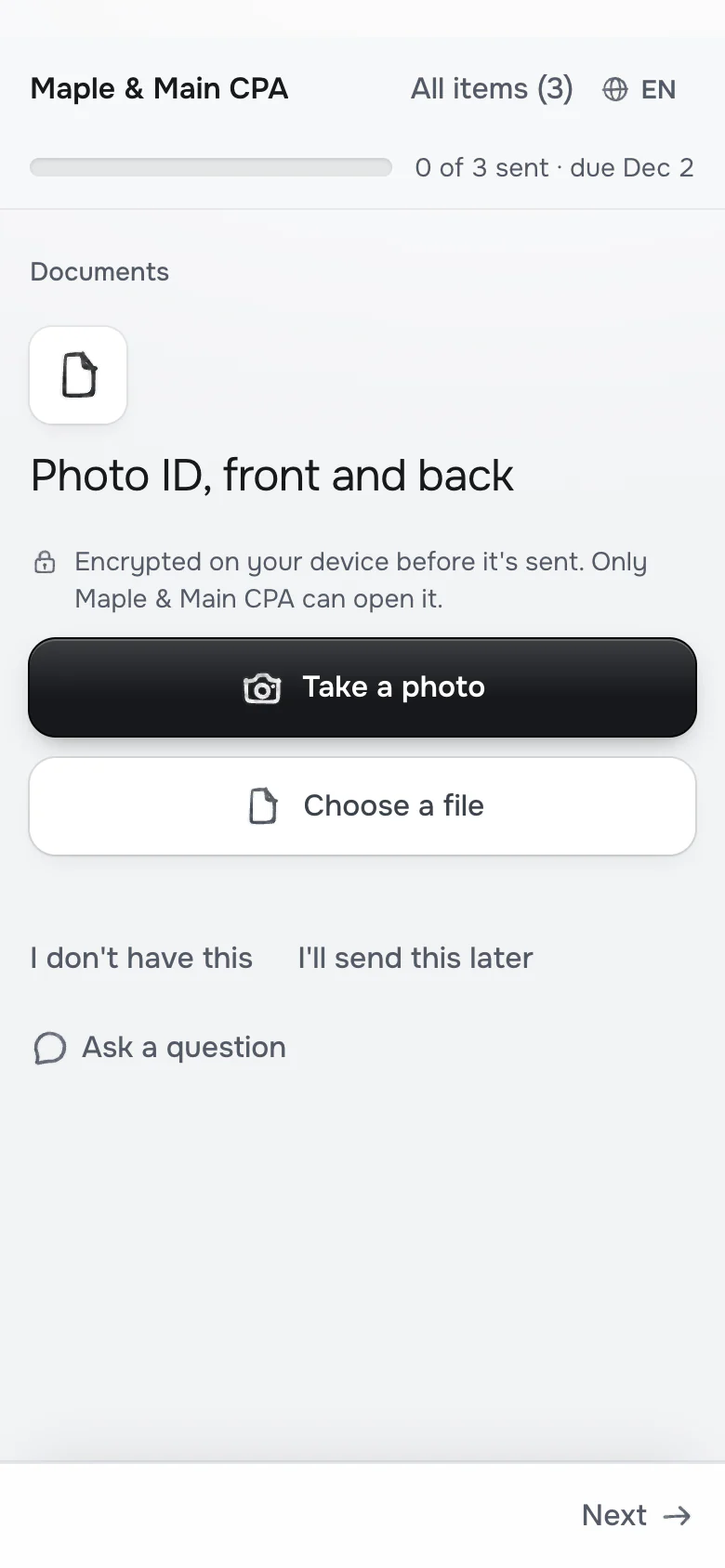
- 1Encrypted before it leaves the phone
Every file in Usual is already encrypted. For the documents that matter most, such as ID scans, W-2s and bank statements, you can now go one step further.
- An owner or admin turns it on in Settings › Encryption with a passkey or a passphrase, and saves a recovery key.
- In the checklist editor, turn on End-to-end encrypted for an upload item. Nothing changes for the client except a line saying the file is encrypted on their device.
- Files open, download and review in a signed-in staff member's browser after unlocking. Usual stores only the encrypted file.
- Give each person on your team access from the same page.
- Built on the browser's Web Crypto API: AES-256-GCM for each file, sealed to your firm's key with HPKE.