Clients send files straight from Dropbox or Google Drive
Clients who keep their statements in Dropbox or Google Drive pick them there. No downloading to their phone first, no shared folder for you to dig through.
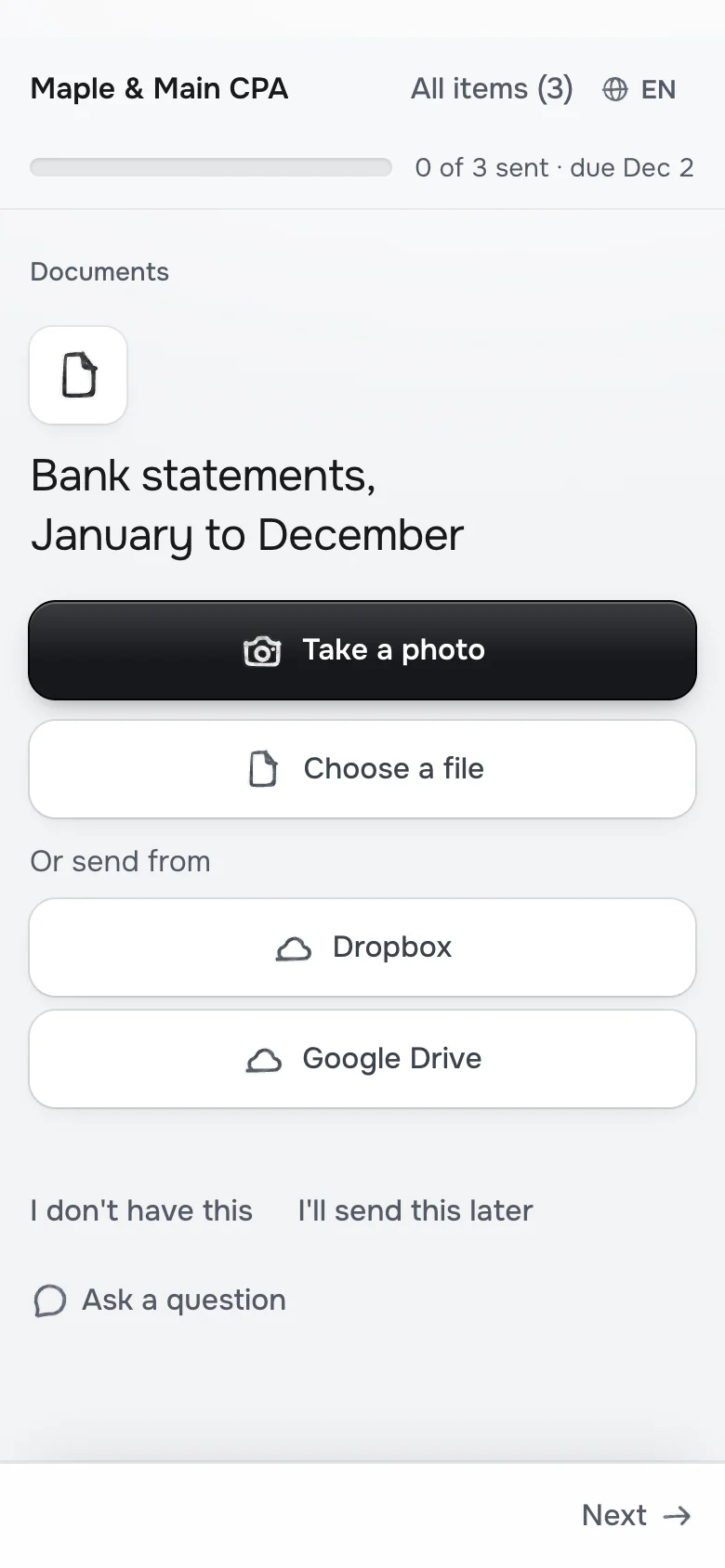
- 1Pick files in Dropbox or Google Drive
Many clients already have the documents, just not on the device in their hand. Every upload item now offers Dropbox and Google Drive next to Choose a file.
- The client picks files in the provider's own window. Usual fetches only the files they pick, nothing else in their account.
- Picked files get the same checks as an upload: the item's file types and size limit, and the virus scan.
- Google Docs arrive as PDF.
- On your side they look like any other upload.