Clients pay your invoice in the request link
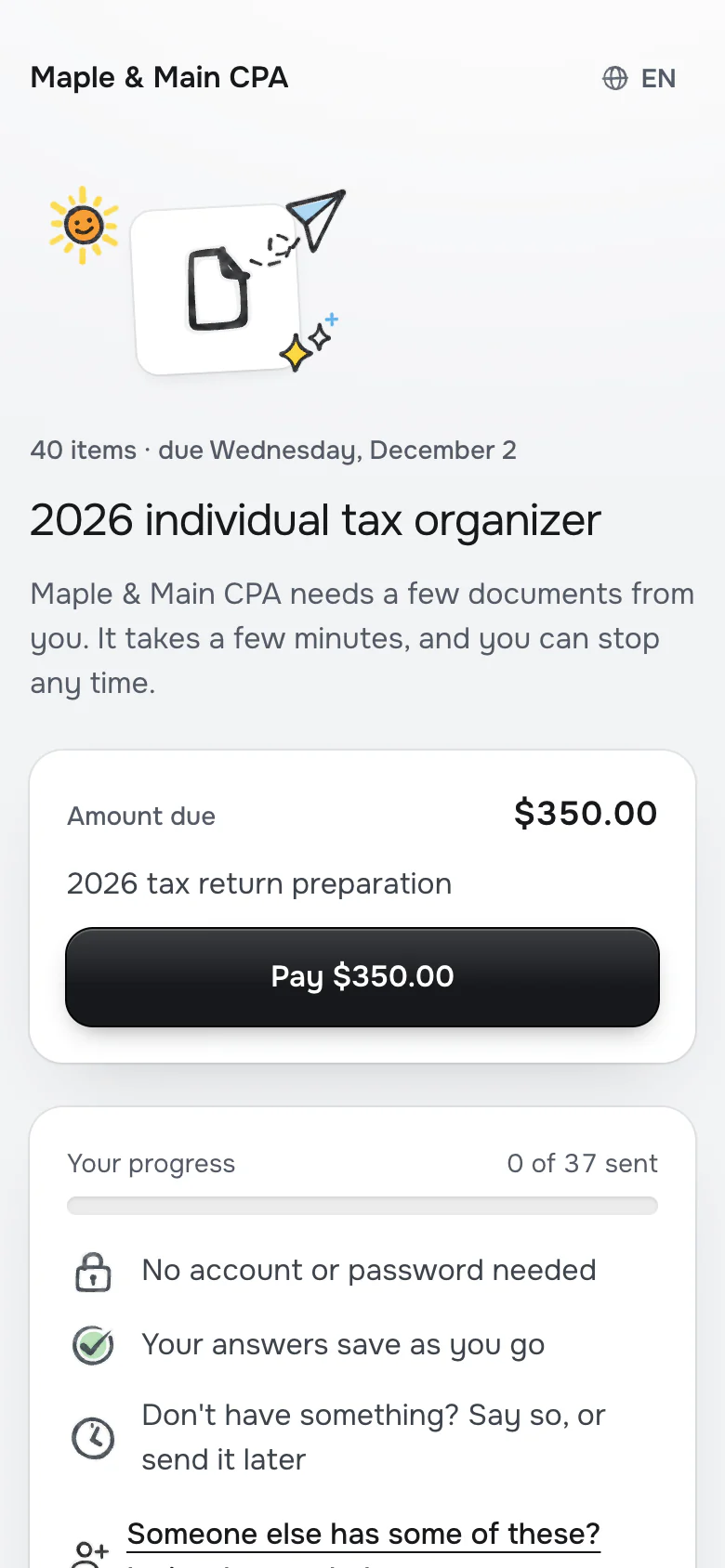
Put an invoice on a request and the client pays it in the same no-login link, by card or bank. The money goes straight to your own Stripe account.
- 1The fee and what it's for
- 2Card or bank, no login
Chasing the fee used to be a second job after the documents came in. Now the bill sits in the same link.
- Connect your firm's own Stripe account once in Settings › Payments. If you don't have one, Stripe creates it in the same steps.
- On any request, add an invoice with what it's for and the amount. The client sees the amount due and a Pay button when they open their link.
- They pay by card or bank account (ACH) on Stripe Checkout and come straight back.
- Hold the finished return until it's paid. Files you share while an invoice is open wait behind a pay button, and Usual checks on every download.
- The invoice moves to Paid when Stripe confirms it, and you get an email.
The money goes straight to your Stripe account. Usual never holds it. Team has a 0.5% platform fee; Business has none.