Clients sign a PDF in the same checklist
Add an engagement letter or contract as a PDF on the request. The client reads it, signs by typing or drawing, and you keep the signed copy with its certificate page.
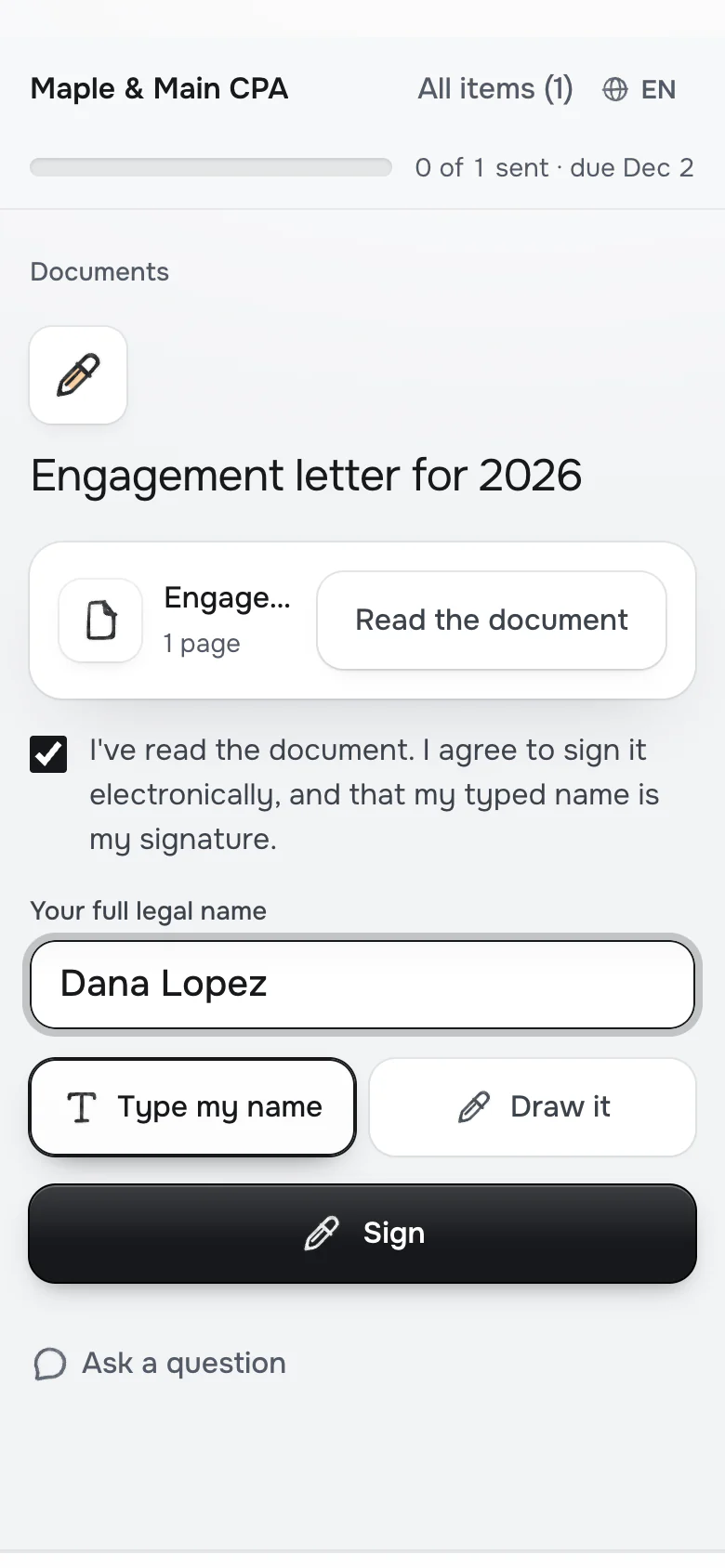
- 1The client reads the PDF first
- 2Typed or drawn, then Sign
The engagement letter is usually the first thing you need and the last thing a client gets round to. Now it sits in the same checklist as their documents.
- Turn on They sign a PDF for a Signature item, then add the PDF on each request. The client is emailed when you add it.
- The client reads the document, agrees to sign electronically and types or draws their signature.
- When everyone on the request has signed, the signed copy, with a certificate page, is kept with the request's files.
- Signature items with pasted text, such as an engagement letter or a section 7216 consent, work on every plan. Signing a PDF you add comes with Team and Business.
Form 8879 still goes through your tax software's e-signature.