Clients answer with a video or a voice note
Some answers are quicker to show than to write. An upload item can let the client record a video or a voice note right in the page, on a phone or a computer.
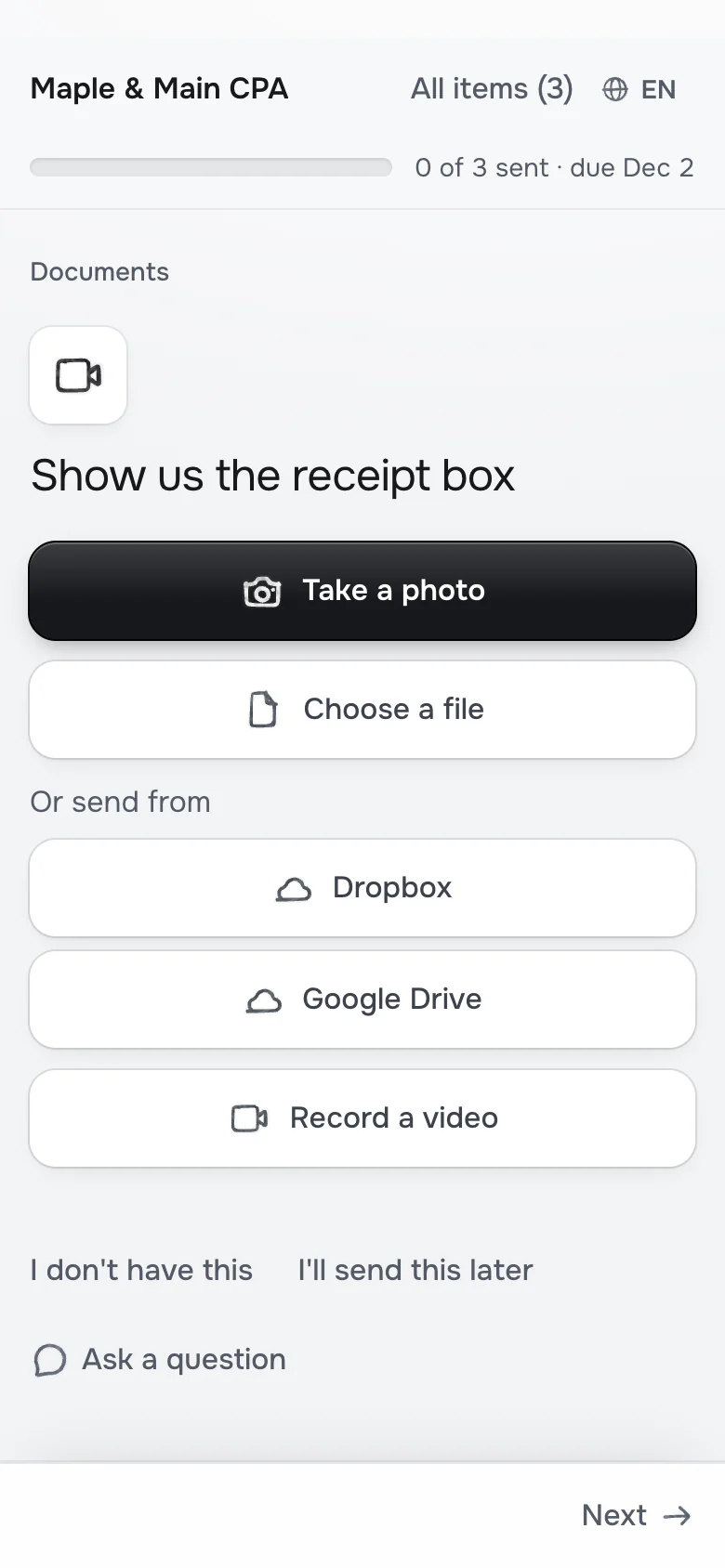
- 1Record in the page, no app
"Walk me through the receipt box." "Show me the shop floor before the stock count." "What does this notice say?" For questions like these, a 30 second video beats ten emails.
- In the checklist editor, open an upload item and choose A video or A voice note under They can also record.
- The client records for up to 5 minutes, plays it back and records again if they want another take.
- The recording arrives on the request like any other file. Play it in the preview, then accept it or send it back.
- Nothing to install. It works in the browser the client already has.