Clients update their own contact details
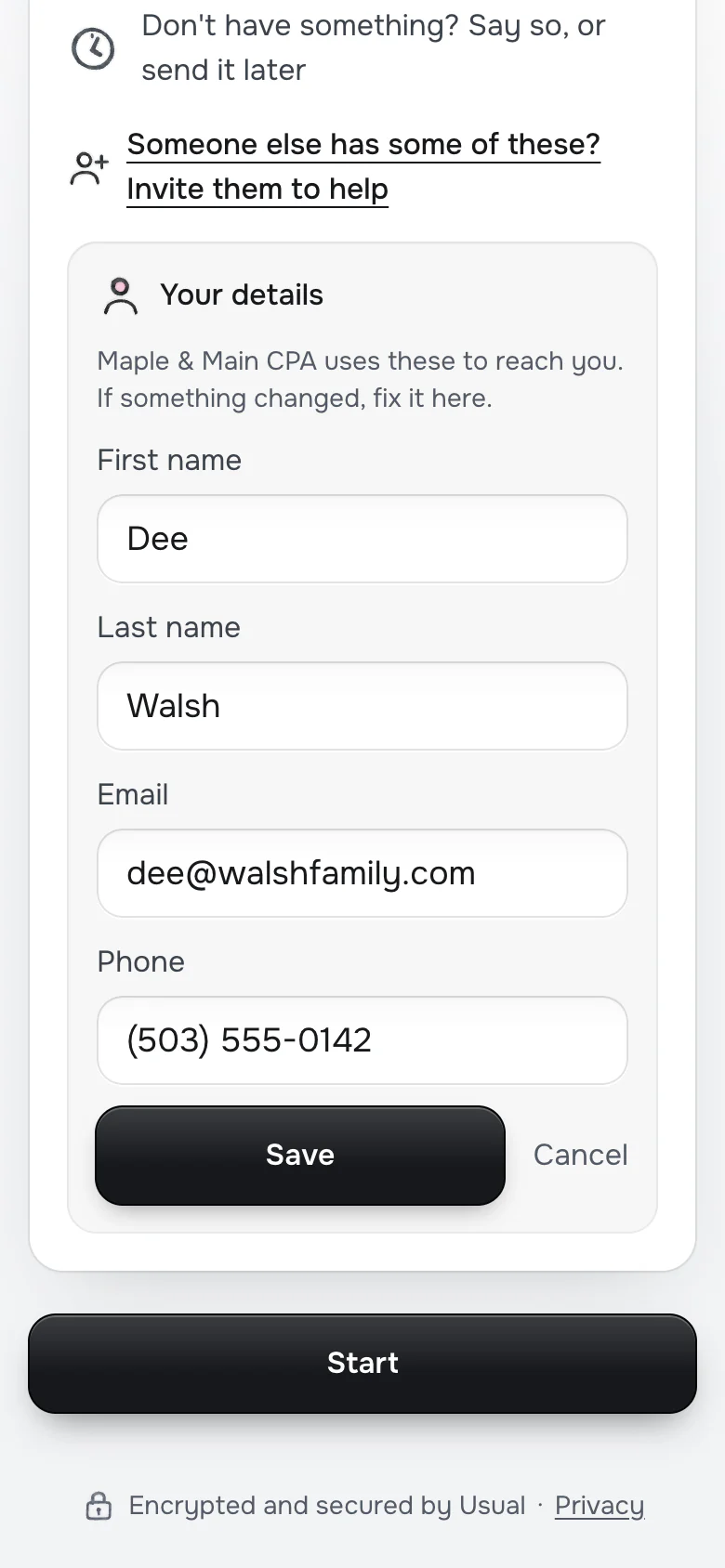
In the request link, a client can fix their name, phone and email. A new email is confirmed with a code, and the old address gets a notice.
- 1A new email is confirmed with a code
- 2Name and phone save at once
A client changes jobs or phones, and your reminders keep going to the old one. Now they can fix it themselves.
- Your details on the client's start screen shows the name, email and phone you have on file.
- A name or phone number saves as soon as they press Save.
- A new email is used only after the client enters the code sent to it. The old address gets a notice that it changed.
- The request and the client's activity show what they changed, so nothing moves without you seeing it.
Works on every plan, Free included.