How can we help?
Step-by-step help for Usual, with pictures of every screen.
Start here
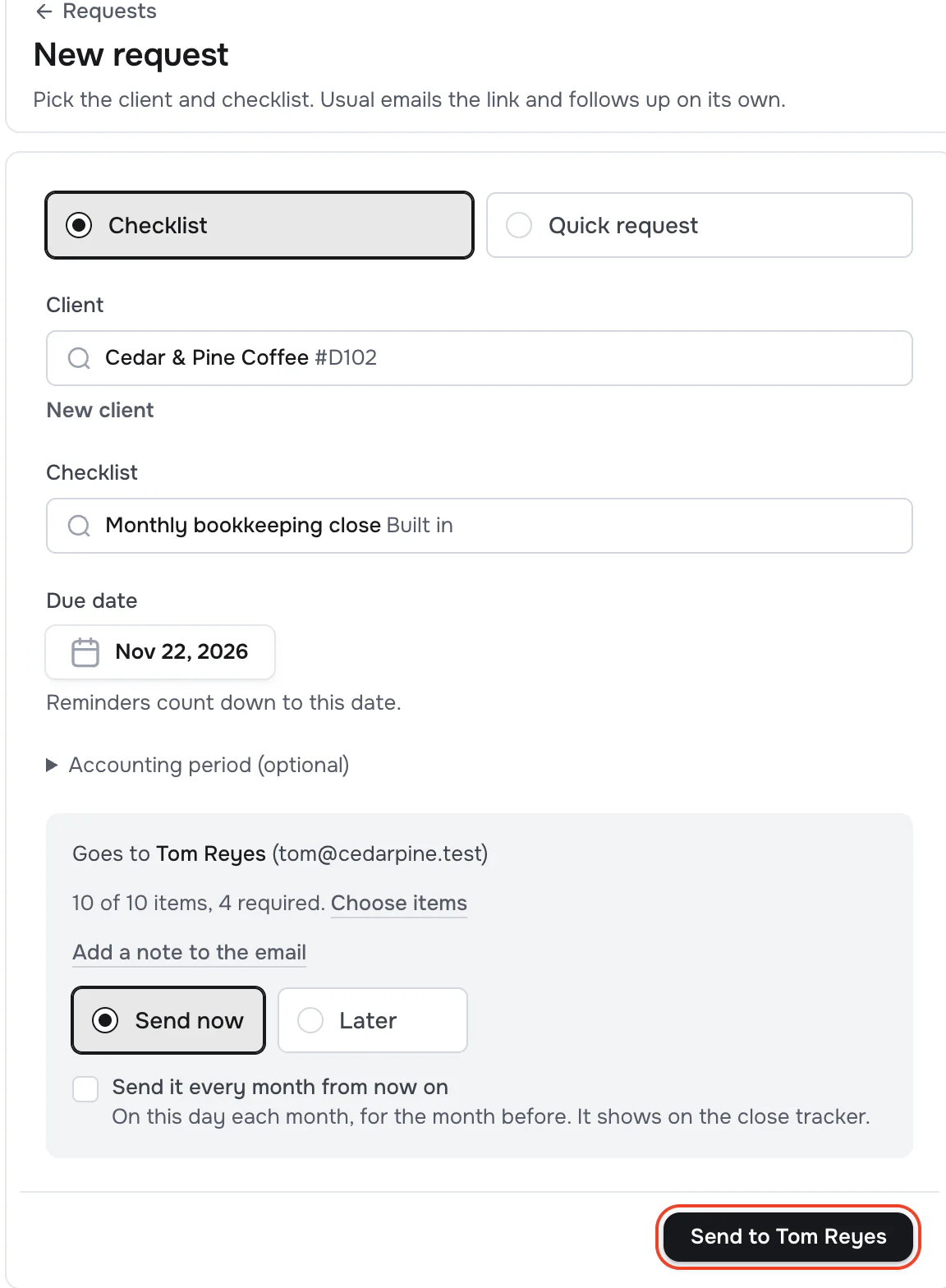 Send your first document requestPick a client, a checklist and a due date. Usual emails the link and follows up on its own.
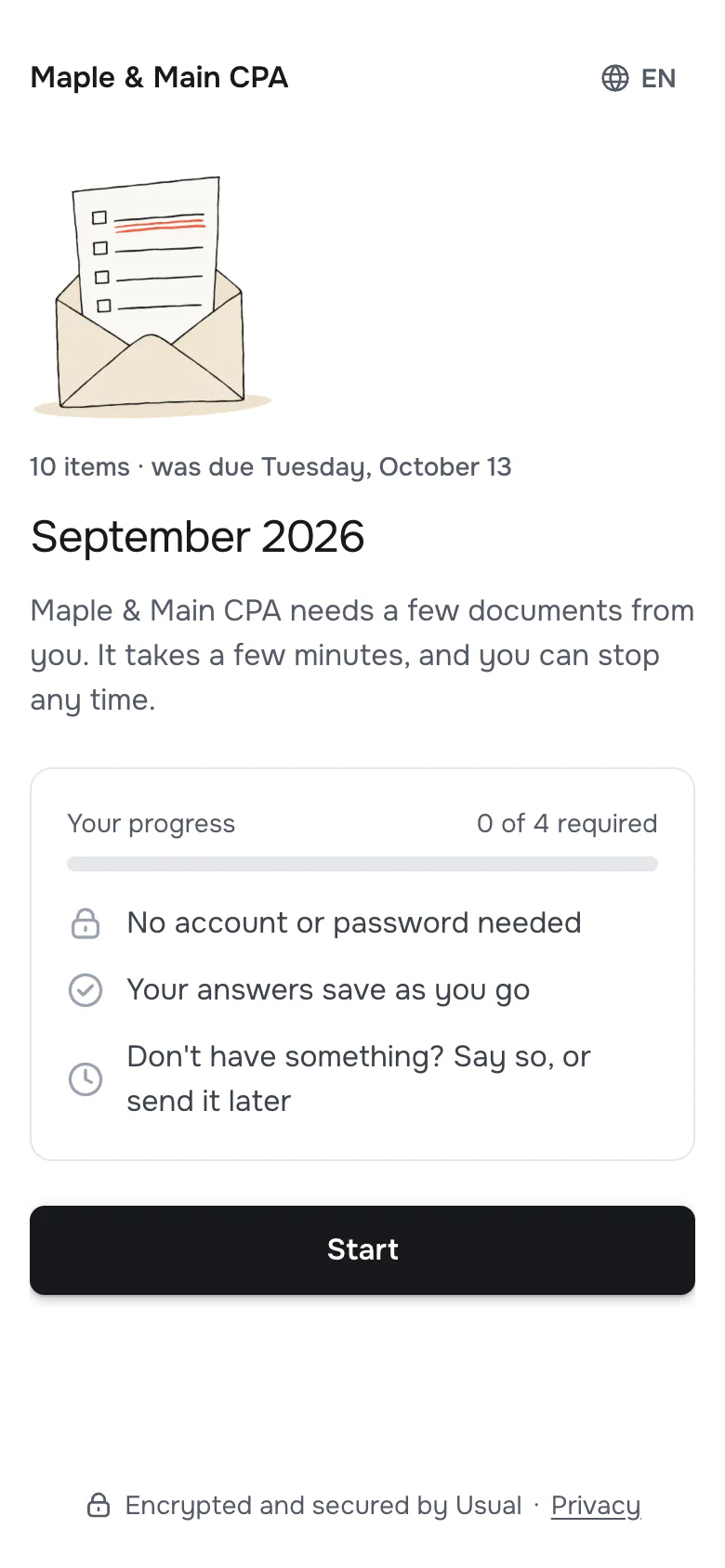 What your clients seeThe email, the link and the checklist from your client's side, on a phone or a laptop.
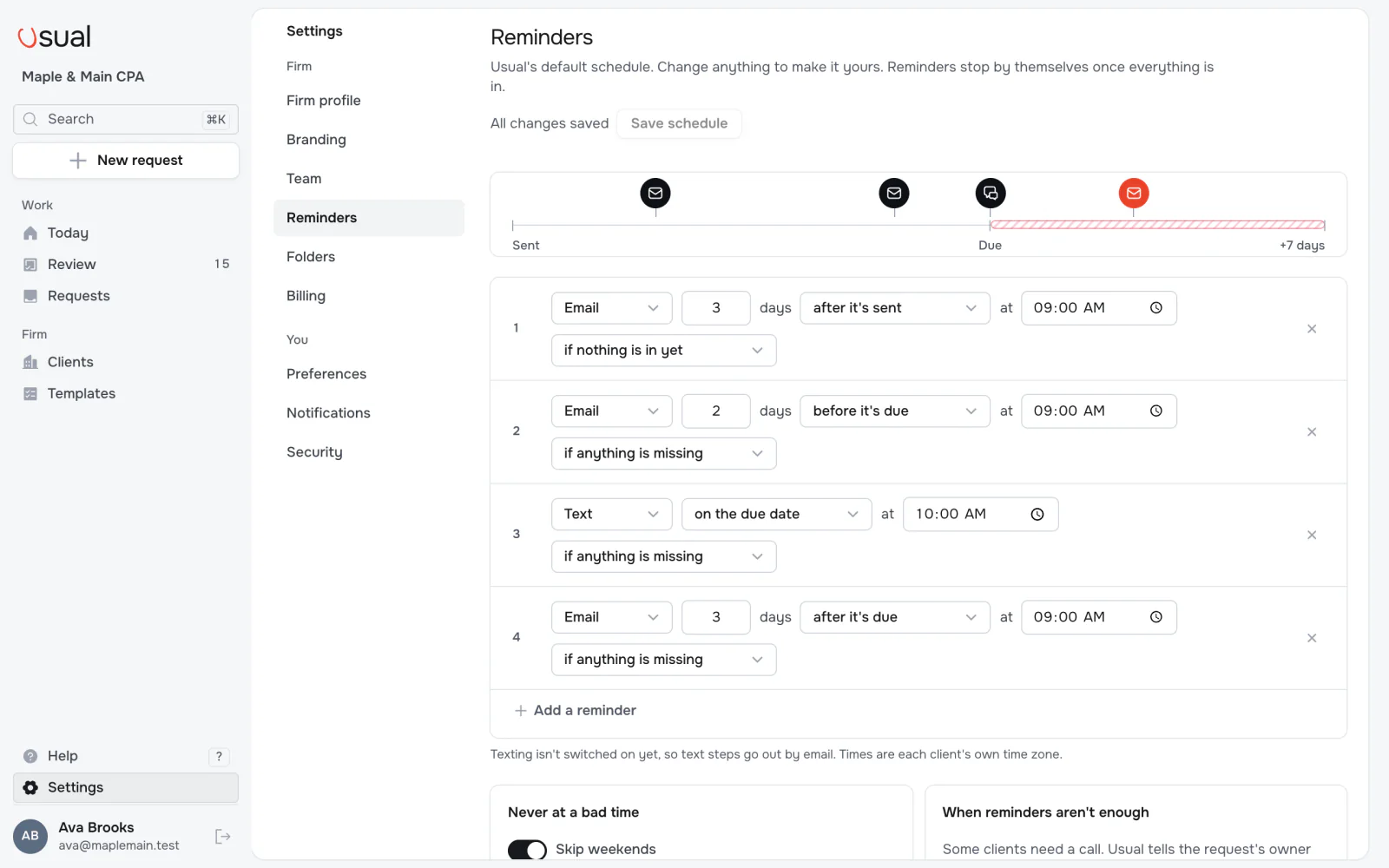 How automatic reminders workThe reminder schedule every request follows, how to change it, and when reminders stop by themselves.
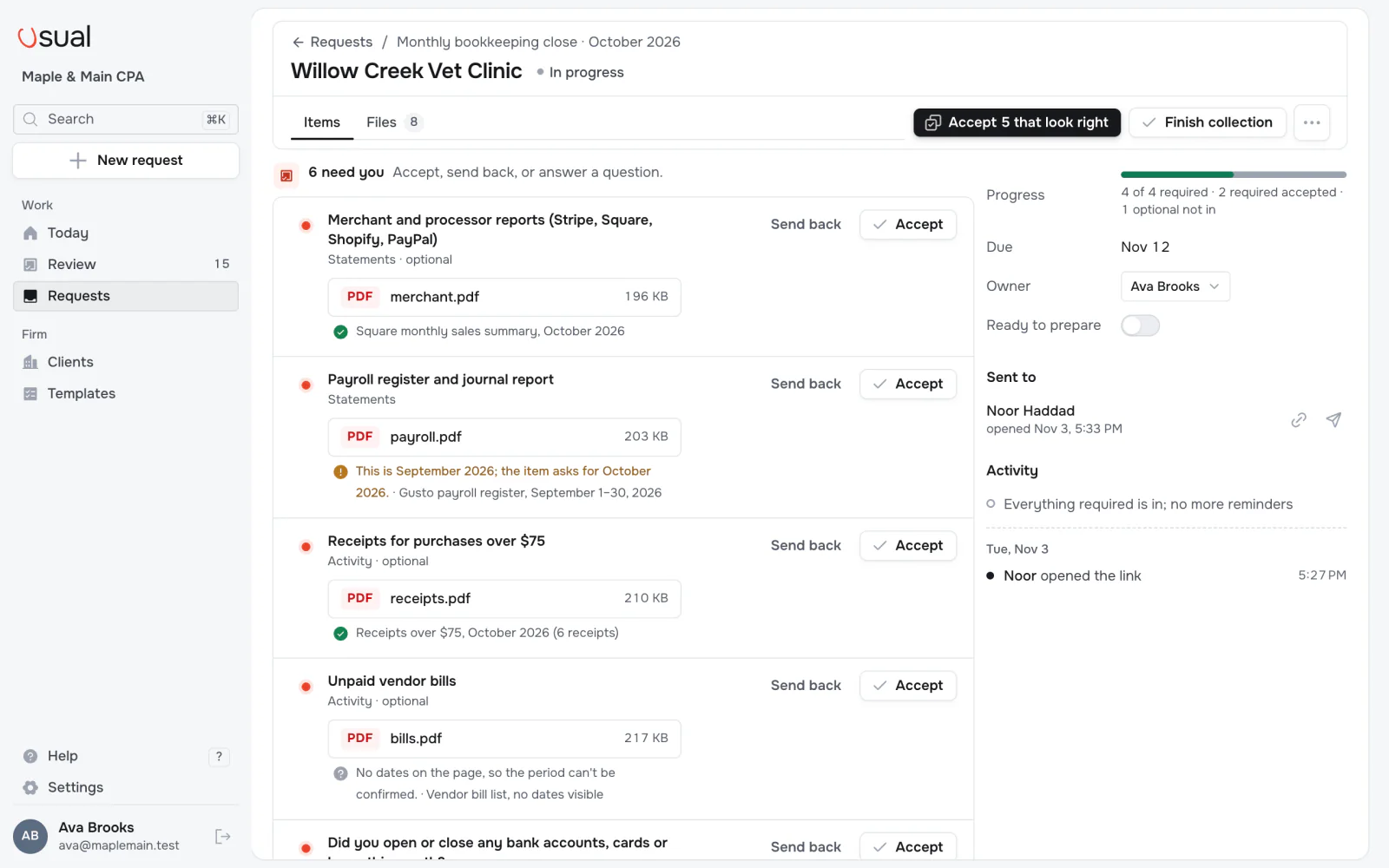 Review and accept what clients sendThe Review inbox, accepting items, the file viewer and its shortcuts, and answering client questions.
Getting started
Set up the firm, add clients and send the first request.
Requests and checklists
Build checklists, send to one client or many, and keep track.
Reminders
How follow-ups go out, and how to nudge a client yourself.
Your clients' side
What clients see, how they sign in, and sending by email.
Reviewing and files
Accept or send back what comes in, finish, and file it.
Firm, team and billing
Branding, notifications, security, plans and your data.
Can't find it?
Write to support@usual.so and a person will answer, usually within a business day. Inside Usual, press ? on any page for quick answers about that page.